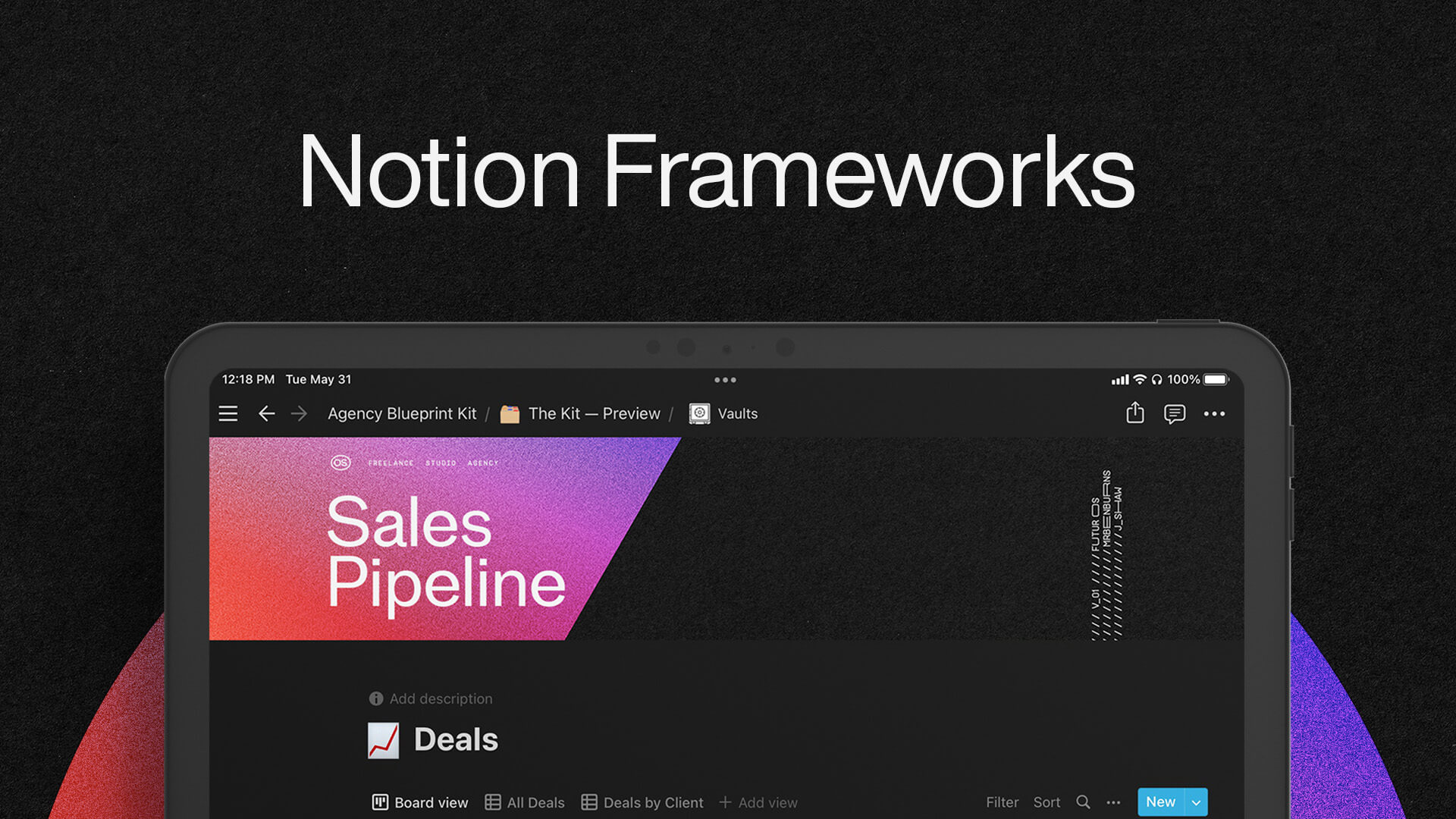
Okay, be honest- how many different tools, platforms, and places do you use on the regular to manage all the moving parts of your work life (shoutout the dozens of browser tabs you’ve probably got open right now too ::wink::)?
Let’s see if we can guess what you’ve got going on….
- One or many spreadsheets to track sales and CRM
- A project or team management tool of some kind
- Something else for creating, storing, and sending deliverables
- Another tool for tracking sales
- A place to store contracts, agreements, and other files
- And of course, something to help plan, create, and schedule content
Are we close? Have we missed one or many things?
One way or another, if you’re reading this, we’re guessing that you frequently find yourself stressed, overwhelmed, unable to efficiently track projects or hold yourself or your team accountable, and generally feeling like you have so much to do that you don’t know what to work on or when.
It doesn’t have to stay this way!
Here, at The Futur, we use a single tool for nearly everything. This one tool helps us…
- Manage our creative projects, clients, and teams
- Track and improve our sales
- Streamline our content planning process and creation
- Store documents, contracts, and files
- Make spreadsheets practically obsolete
It’s called Notion and we love it so much, in fact, that we’ve created The Operating System (OpSys), an all-in-one template to manage projects, clients, and sales for your agency, studio, or freelance business—powered by Notion.
While building OpSys, we were inspired by the following frameworks and wanted to share some insights about what we’ve learned along the way.
Pillars, Pipelines, and Values
Here’s what we like about Pillars, Pipelines, and Values:
- It has a lot of resources and examples to learn the framework
- It works for most situations or needs within your business
- It has a variety of dashboards, and examples for when they’d come in handy
- It is flexible in how you use the framework (business and personal)
- If you need structure, this gives you that—providing clarity on what you need to be working on
Here’s what we don’t like about Pillars, Pipelines, and Values:
- It needs to be customized for business use (vs. personal use)
- It requires learning new lingo that may create barriers to use
- It requires a lot of data that needs to be put into Notion
- It uses a ton of individual elements (see example here)
Getting Things Done (GTD)
Here’s what we like about GTD:
- It comes with a free template (you just have to use an email address to get started)
- If you’re already using the GTD system personally, this should be a seamless transition
- It’s not a framework that was built with only Notion in mind—but was built independently, and applied to Notion
Here’s what we don’t like about GTD:
- If you haven’t read the book, Getting Things Done® by David Allen, it could be a bit hard to know where to begin or how to get started using this method
- There’s a lot of documentation out there, but it’s not organized very well, and it’s often difficult to find what you’re looking for